
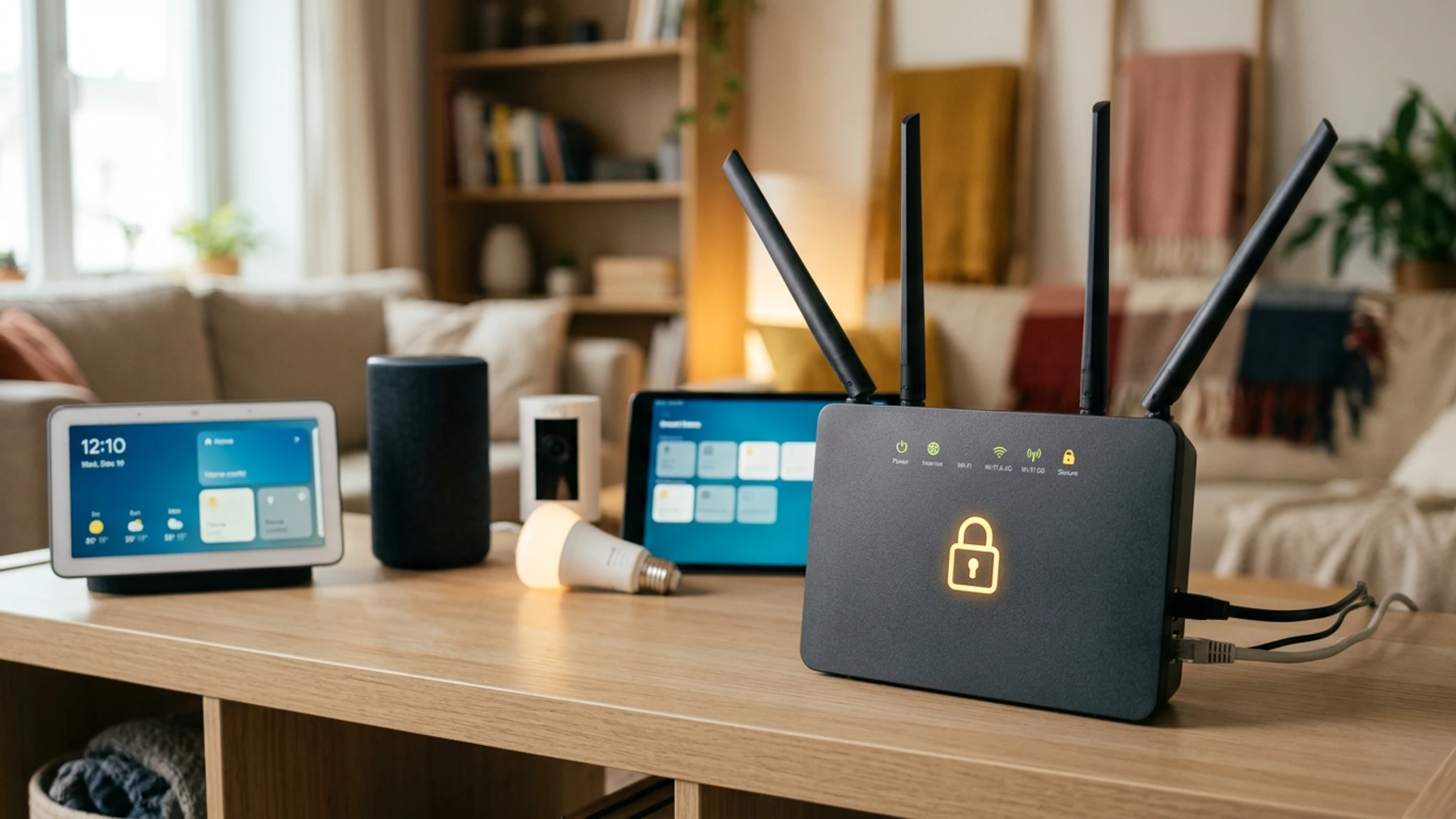
Your Home Network Is Your Digital Front Door
Today’s home network connects laptops, phones, TVs, cameras, printers, and smart home devices. A weak router configuration can expose everything behind it.
Good network security is straightforward: secure router access, use strong encryption, segment risky devices, and keep firmware current.
1) Change Default Router Admin Credentials
Default credentials are widely known and commonly exploited.
- Set a unique admin password.
- Store it in a password manager.
- Do not reuse your Wi-Fi passphrase.
2) Use WPA3 (or WPA2-AES)
Encryption protects wireless traffic from interception.
- Use WPA3-Personal when supported.
- Fallback to WPA2-AES if needed.
- Avoid deprecated security modes.
3) Use a Long Wi-Fi Passphrase
Short or predictable passwords are vulnerable to guessing and brute-force attempts.
- Use 16+ characters.
- Avoid personal info and common patterns.
- Rotate if exposure is suspected.
4) Keep Router Firmware Updated
Routers require patching just like computers.
- Enable auto-updates when available.
- Check monthly if manual updates are required.
- Replace end-of-life routers.
5) Disable Remote Management
Unnecessary remote admin expands attack surface.
- Disable WAN admin by default.
- If needed, restrict tightly and add MFA where supported.
6) Use a Guest Network
Guest devices should not access your trusted internal devices.
- Create separate guest SSID.
- Use a distinct passphrase.
- Disable guest access to LAN resources if supported.
7) Isolate IoT Devices
Many IoT devices have weaker update and security practices.
- Place IoT devices on separate SSID or VLAN.
- Keep work/personal computers on trusted network.
8) Turn Off Unused Features
Unused services create unnecessary risk.
- Disable WPS.
- Disable UPnP if not required.
- Remove stale port-forwarding rules.
9) Review Connected Clients Weekly
Unknown devices are a warning sign.
- Review DHCP/client list regularly.
- Rename known devices for easier monitoring.
- Block unfamiliar devices and rotate credentials if needed.
10) Prepare a Simple Response Plan
If compromise is suspected, act quickly.
- Disconnect suspicious devices.
- Change router admin and Wi-Fi credentials.
- Update firmware and scan endpoints.
- Review critical accounts for unauthorized access.
A 15-Minute Monthly Home Network Checklist
- Check firmware updates.
- Review connected clients.
- Confirm guest network settings.
- Audit port forwarding and remote management.
- Test one backup restore file.
Final Thought
Strong home network security does not require enterprise complexity. It requires good defaults, segmentation, patching, and routine verification. Start with your router and build outward.
— Eric Thorup, TEK Utah, 801-503-9044